Have You Reviewed Your Passwords Lately?
Most users set passwords when they first use a system or application and change them if the system prompts them to do so. However, a set-and-forget approach leaves critical gaps that can allow hackers to compromise credentials.
Regular password reviews are a critical component of security. Stolen credentials are involved in a massive portion of data breaches, making proactive audits essential for identifying vulnerable accounts. Password audits enable users to simplify their digital lives while making it harder for others to access sensitive information.
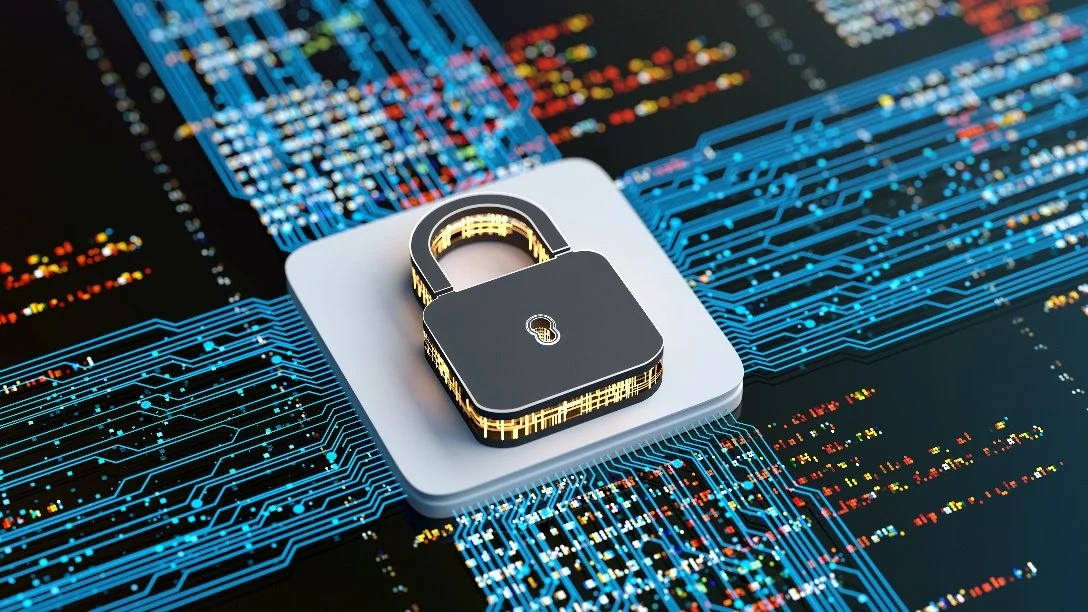
Audits help identify weak, reused, or breached credentials before attackers exploit them. They also reduce the risks associated with “orphaned” or dormant accounts.
Many password managers have built-in audit features that automatically flag credentials that have appeared in known data leaks. These tools also identify simple or short passwords and instances in which the same password is used across multiple accounts and sites.
Consider these five pro tips to maximize password security:
Inventory Accounts: Start by listing the 10 to 15 most critical accounts (email, banking, primary social media) and ensure they are secured first. Also, look for accounts that are no longer needed and disable them.
Prioritize Passphrases: Instead of short, complex codes, use long, random passphrases. Length (at least 12 to 16 or more characters) is often more effective than complexity. However, it is important to avoid the “standard substitution” trap. Hackers know common substitutions such as $ for s or 1 for i. Truly random words or phrases are better.
Adopt Passkeys: Where available, switch to passkeys. These are device-based and significantly more resistant to phishing than traditional passwords.
Secure “Master” Keys: Email and password managers are the most sensitive accounts. If they are compromised, an attacker can reset passwords for almost everything else. Make sure they have the highest levels of security
Look for Missing MFA: Check which accounts support multifactor authentication (MFA) but do not have it enabled yet. For accounts with MFA, save emergency backup codes in a separate secure location (such as a safe or a dedicated thumb drive) to avoid getting locked out.